Weird find: If you hit Ctrl+Shift+M on some #GNOME apps, it will give you a mobile preview of that app.
-
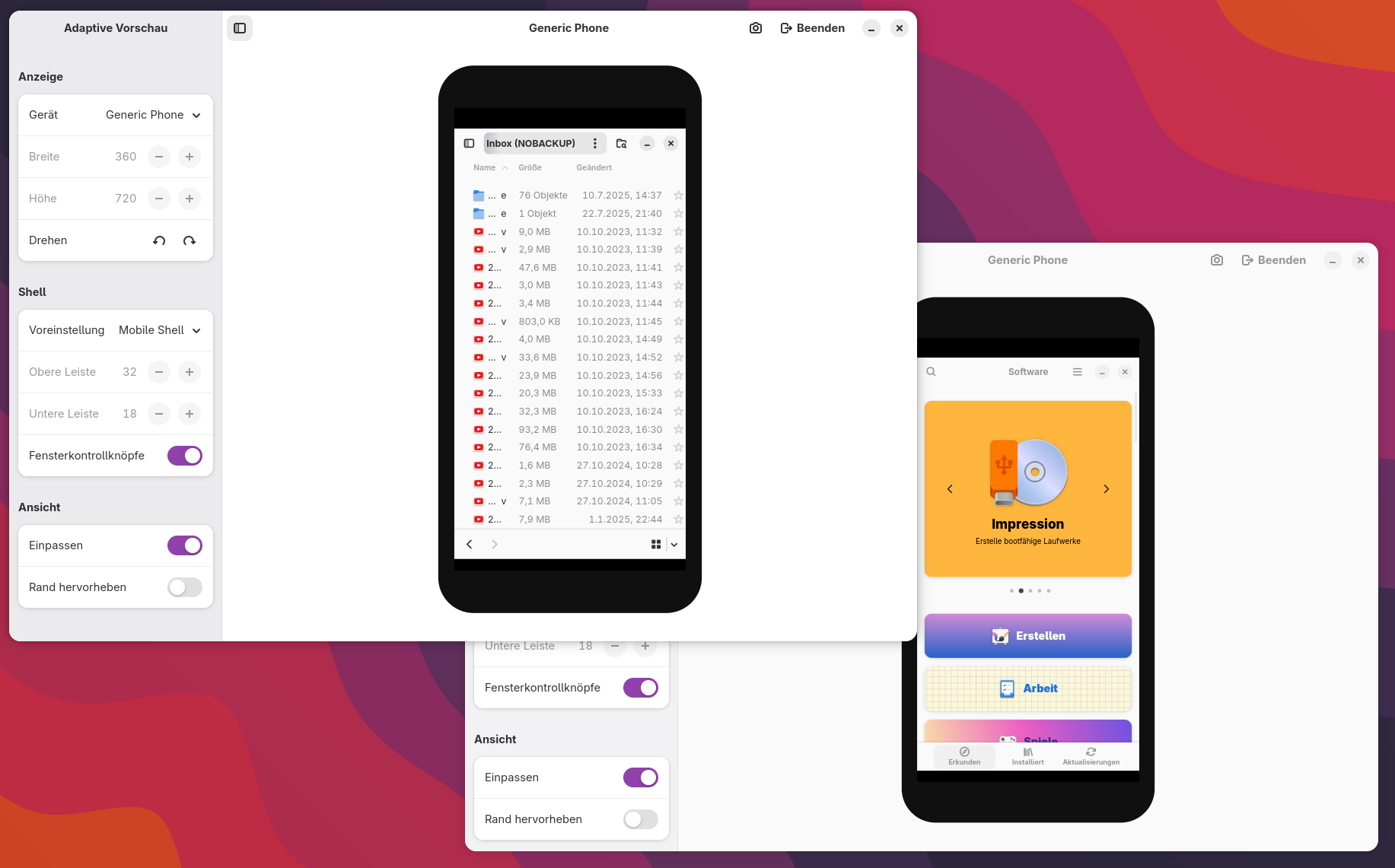
Weird find: If you hit Ctrl+Shift+M on some #GNOME apps, it will give you a mobile preview of that app. Hitting the combo again (or clicking Exit at the top) will bring you back to normal dekstop view.
Works in Calendar, Nautilus, Software, Weather, Settings, GEdit, Flatseal, Bottles and probably quite a few more.
-
Weird find: If you hit Ctrl+Shift+M on some #GNOME apps, it will give you a mobile preview of that app. Hitting the combo again (or clicking Exit at the top) will bring you back to normal dekstop view.
Works in Calendar, Nautilus, Software, Weather, Settings, GEdit, Flatseal, Bottles and probably quite a few more.
@claudius Yeah this has been a thing in libadw since GNOME 47 i think https://nyaa.place/blog/libadwaita-1-7/
-
Weird find: If you hit Ctrl+Shift+M on some #GNOME apps, it will give you a mobile preview of that app. Hitting the combo again (or clicking Exit at the top) will bring you back to normal dekstop view.
Works in Calendar, Nautilus, Software, Weather, Settings, GEdit, Flatseal, Bottles and probably quite a few more.
@claudius@darmstadt.social Interesting, I'm currently working on something with libadwaita and it just works there too, without me adding this explicitly. It seems to just be a thing in the recent versions of libadwaita.
-
Weird find: If you hit Ctrl+Shift+M on some #GNOME apps, it will give you a mobile preview of that app. Hitting the combo again (or clicking Exit at the top) will bring you back to normal dekstop view.
Works in Calendar, Nautilus, Software, Weather, Settings, GEdit, Flatseal, Bottles and probably quite a few more.
-
R ActivityRelay shared this topic